Donate via GCash
If you would like to support Midgard City, this page provides a direct GCash donation option with the current conversion rate, and claim instructions.
Current Donation Rate
Package Rule
- Donation packages are based on a single donation amount, not on cumulative milestone progress.
- If you donate 10,000, you receive the 10,000 package.
- If you donate 10,000 again later, you receive the 10,000 package again. It does not carry over into 20,000.
- To receive the 15,000 or 20,000 package, that full tier must be donated in one transaction.
How To Donate
Donation Packages
Each package below is awarded by its own donation tier. The package list does not stack lower tiers into the higher one.
| Package | 10,000 | 15,000 | 20,000 |
|---|---|---|---|
| Midgard Coins | 7,000 | 10,000 | 15,000 |
| Luffy Gear5 Select Box | 2 | 3 | 4 |
| VIP | 30 Days | 30 Days | 30 Days |
| F Archangel Wings Egg Scroll | 70 | 100 | 150 |
| Empty Monster Sphere | 3 | 5 | 8 |
Each Luffy Gear5 Select Box lets you pick one Luffy Gear 5 costume set piece. F Archangel Wings Egg Scrolls are included in every current package.
The box contains the Upper, Middle, Lower, and Garment pieces below. The garment can only be claimed after the same character has claimed Head, Cloud, and Lightning Aura since the last garment claim. Progress resets every time the garment is claimed.
- EXP Rate +20%.
- Drop Rate +8%.
- Weight Limit +1,500.
- EXP Rate +20%.
- Drop Rate +7%.
- Weight Limit +1,500.
- EXP Rate +20%.
- Drop Rate +7%.
- Weight Limit +1,500.
- EXP Rate +20%.
- Drop Rate +8%.
- Weight Limit +1,500.
- All Stats +1.
- Full set bonus: All Stats +1, ASPD +1, ATK +15, MATK +15.
- Claim requirement: must claim Head, Cloud, and Lightning Aura first. Progress resets after each garment claim.
Show QR
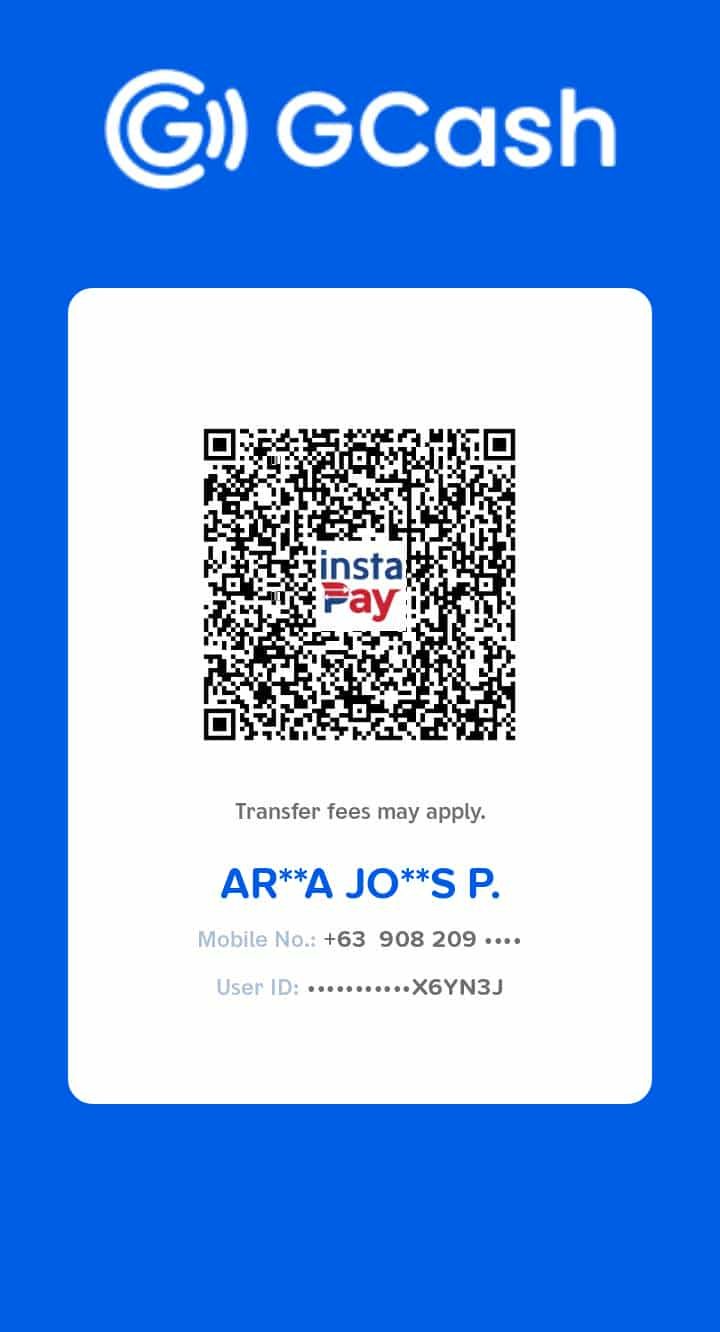
The QR image is not embedded in this repository yet.
Place the supplied file at
doc/web/img/donation-gcash-qr.png
to show it here.
Before You Send
- Double-check the amount before confirming the transfer.
- Use the GCash scan QR flow that matches your app version.
- Transfer fees may apply depending on the route used.
What To Prepare After Donation
- Your account ID or account username
- The exact amount you sent
- Your payment reference, receipt, or screenshot proof
Claim Through Midgard City Page
- Send a direct message to the Midgard City Page after your donation.
- Include your IGN or the character that will receive the donation.
- Include a screenshot of the receipt.
- Include the amount of donation.
- Include your Streamer Code if you used one. This is optional.
Important Notes
- Donating is optional and never required to enjoy the server.
- Use the official Midgard City donation page and QR shown here.
- Donation value is based on 1 Midgard Coin per 1 PHP.
- Package qualification is based on the amount of one donation only. Separate donations do not combine into a higher package tier.
Reminder
- Keep your proof of payment until your donation has been confirmed.
- Support contributions help fund continued server upkeep and future improvements.
- Claims should be sent through the Midgard City Page with the required details for verification.
- If rates or bonus events change later, this page will be updated to reflect the current donation setup.
- Use only the official Midgard City donation instructions shown on this site.